
M1 and M2 are programmable back buttons on the ONMO+ Pro Controller. You can assign a macro (a recorded sequence of button presses) to each one.
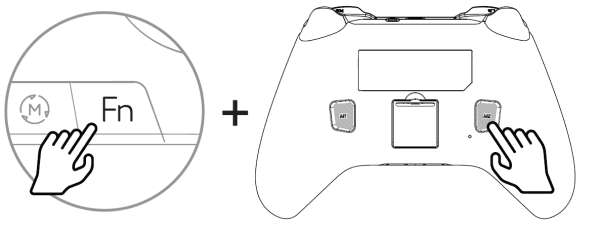
Record a macro:
- Hold Fn + M1 (or M2) for 3 seconds. The LED starts blinking to indicate recording mode.
- Press the buttons in the desired sequence (e.g. A + B + X + RT).
- Press M1 (or M2) again to save. The LED stops blinking.
Clear a macro:
- Quick press Fn + M1 (or M2) to clear the saved macro from that button.