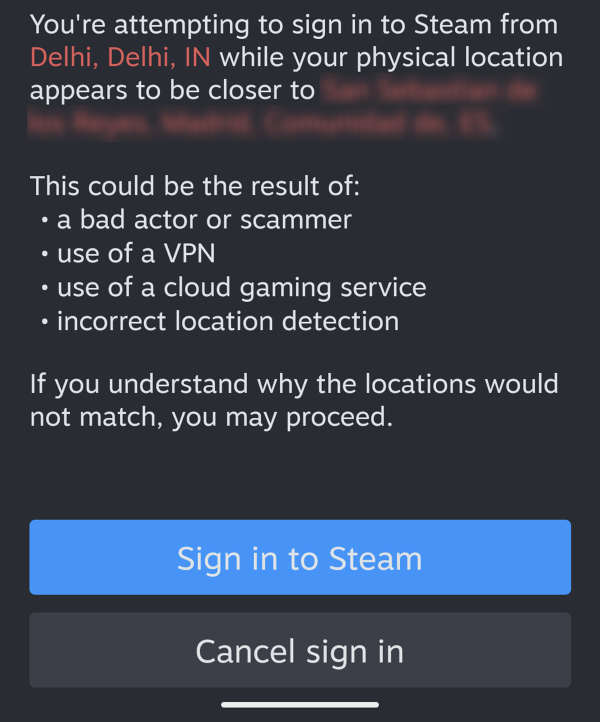
When you launch a game for the first time on ONMO+, you will be prompted to log into Steam. You can do this in two ways:
- Manually enter your Steam username and password
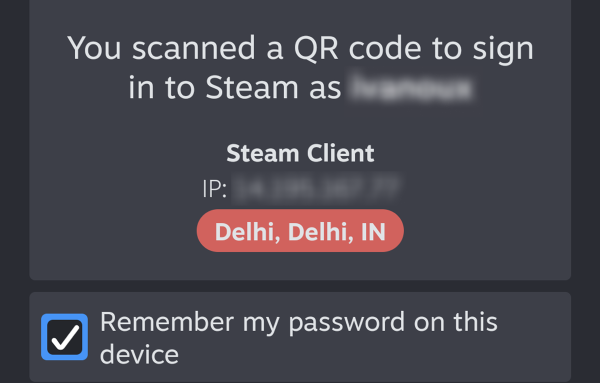
- Scan a QR code shown on screen with your phone
ONMO+ does not store your credentials and is not affiliated with Valve Corporation.
If Steam asks to enter a security code, check your email and enter the code.
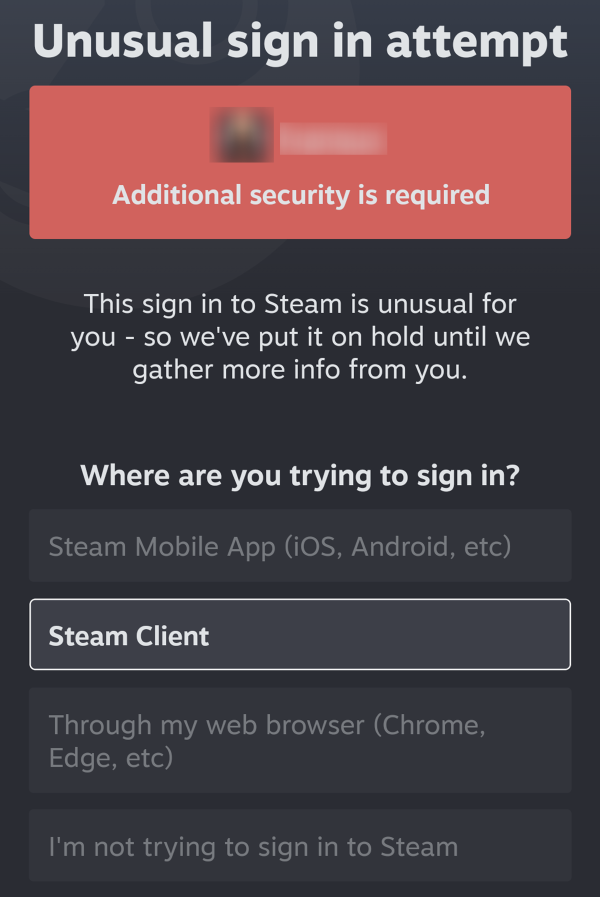
If you use Steam Guard, approve the sign-in request on your Steam mobile app by following these steps:
- Where are you trying to sign in? Select Steam Client
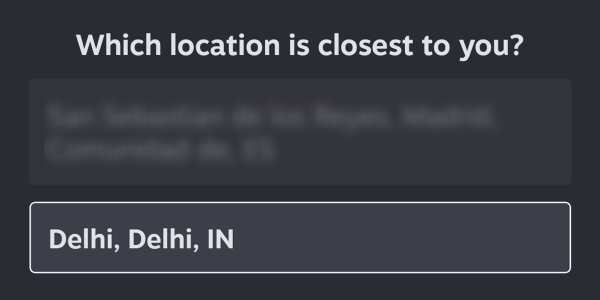
- Which location is closest to you? Select the location shown at the top of the Steam prompt (this is the location of your Smart Console)
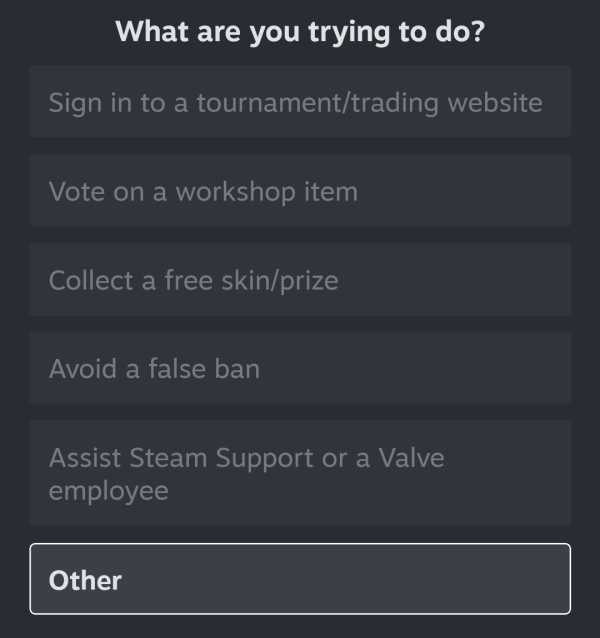
- What are you trying to do? Select Other
- And sign in to allow Steam to verify your login correctly within the ONMO+ platform.